
Email API Integration: A Developer's Complete Guide
Learn how email API integration works, compare REST vs SMTP, explore code examples, key features, pricing models, and how to choose the right provider.
Email API Integration: A Developer's Complete Guide
Email API integration is the process of connecting your application to an email service provider's application programming interface so you can send, receive, and track emails programmatically. Instead of managing your own mail servers, configuring SMTP relays, and fighting deliverability issues, you call a REST endpoint or use a provider SDK and let the platform handle the infrastructure.
This guide covers how email API integration actually works, the difference between REST APIs and SMTP relay, what to look for in a provider, practical code examples, and how email fits into a broader multi-channel messaging strategy.
What Is an Email API?

Email API Integration: A Developer's Complete Guide - What Is an Email API?.
An email API is a set of HTTP endpoints that let developers send transactional or marketing emails directly from their code. You authenticate with an API key, construct a request containing the sender, recipient, subject, and body, and the provider queues and delivers the message.
Most modern email APIs expose:
- A send endpoint for delivering individual or batch emails
- Template endpoints for managing reusable HTML designs
- Webhook events for delivery status, opens, clicks, and bounces
- Analytics endpoints for querying performance data
- Suppression list endpoints for managing unsubscribes and bounces
Unlike traditional SMTP, which is a low-level protocol designed for mail transfer between servers, an email API is a higher-level abstraction that includes authentication, templating, tracking, and event streaming in one interface.
REST API vs SMTP Relay: Which Should You Use?
Email API Integration: A Developer's Complete Guide - REST API vs SMTP Relay: Which Should You Use?.
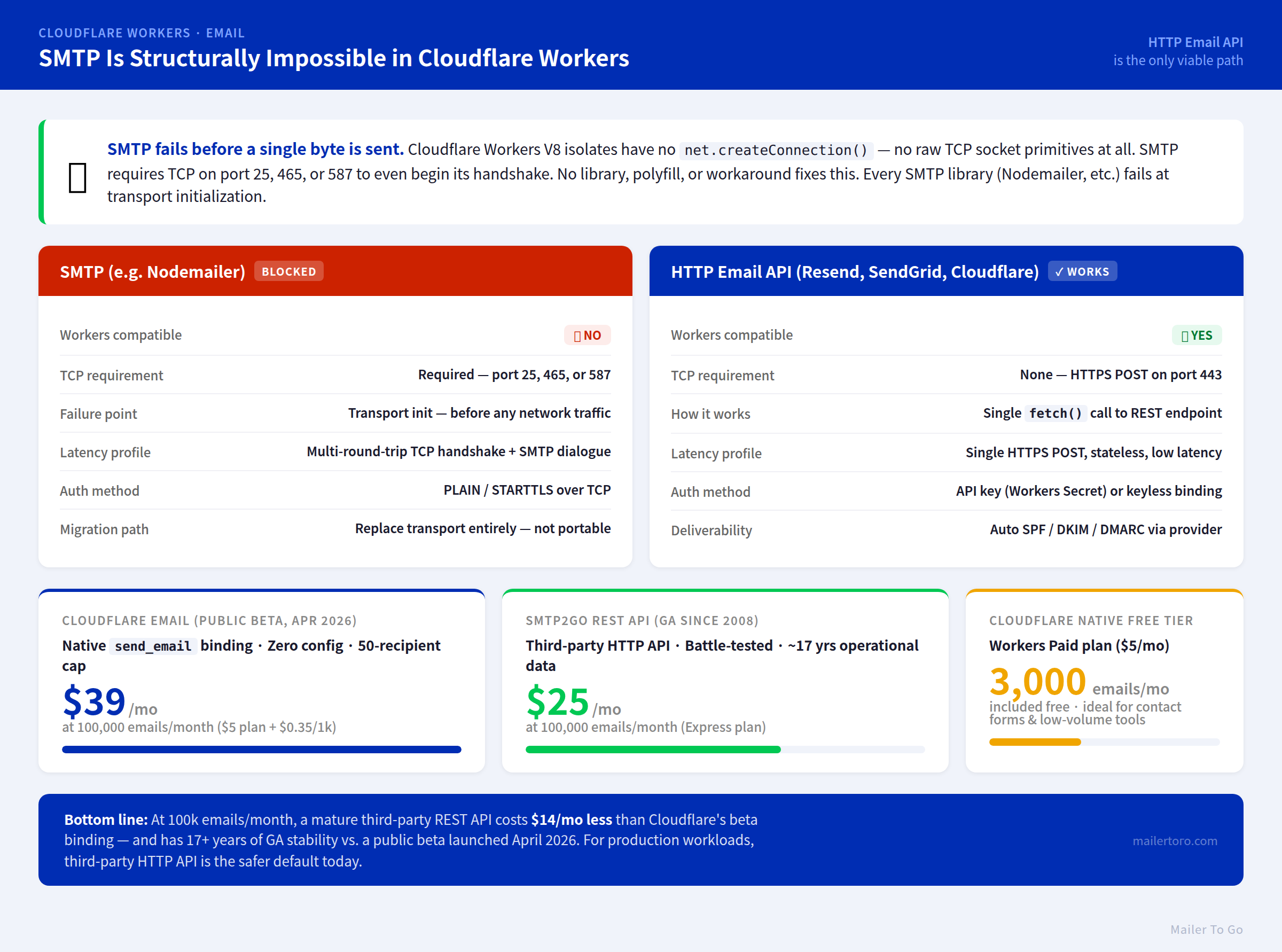
Both approaches send email, but they solve different problems.
| Factor | REST API | SMTP Relay |
|---|---|---|
| Setup complexity | Low; one endpoint and an API key | Higher; requires SMTP client configuration |
| Feature access | Full: templates, analytics, webhooks | Limited; mostly sending only |
| Error handling | Structured JSON responses | SMTP status codes |
| Language support | SDKs for popular languages | Any language with an SMTP library |
| Best for | Transactional and event-driven email | Legacy apps and simple sending |
If you are building a new application, a REST email API is almost always the better choice. You get structured responses, richer metadata, and access to features like dynamic templates and real-time event webhooks. SMTP relay makes sense when you are migrating a legacy system that already speaks SMTP, or when you need a quick drop-in replacement for an existing mail server.
How Email API Integration Works
Email API Integration: A Developer's Complete Guide - How Email API Integration Works.
A typical integration follows this flow:
- Create an account and get an API key. The key authenticates your requests and should be stored in environment variables, never in source code.
- Verify your sending domain. You add SPF and DKIM DNS records so mailbox providers trust your messages.
- Send your first request. You call the send endpoint with the sender, recipient, subject, and HTML or plain-text body.
- Handle webhooks. The provider sends HTTP callbacks to your server when the email is delivered, opened, clicked, or bounced.
- Monitor and iterate. You use the provider's dashboard or API to track deliverability and adjust your sending practices.
Here is a minimal example using Resend's Node.js SDK:
import { Resend } from 'resend';

const resend = new Resend(process.env.RESEND_API_KEY);

await resend.emails.send({
  from: 'Acme <onboarding@resend.dev>',
  to: ['customer@example.com'],
  subject: 'Your account is ready',
  html: '<p>Welcome aboard!</p>',
});
And the same concept using SendGrid's Python library:
import os
from sendgrid import SendGridAPIClient
from sendgrid.helpers.mail import Mail

message = Mail(
    from_email='noreply@example.com',
    to_emails='customer@example.com',
    subject='Password reset',
    html_content='<strong>Click here to reset your password</strong>'
)

try:
    sg = SendGridAPIClient(os.environ.get('SENDGRID_API_KEY'))
    response = sg.send(message)
    print(response.status_code)
except Exception as e:
    print(e)
Both examples show the same pattern: authenticate with a key, build a message object, call a send method, and handle the response.
Key Features to Evaluate in an Email API
Email API Integration: A Developer's Complete Guide - Key Features to Evaluate in an Email API.
Not all email APIs are created equal. When comparing providers, focus on the capabilities that directly affect deliverability, reliability, and developer experience.
Deliverability Infrastructure
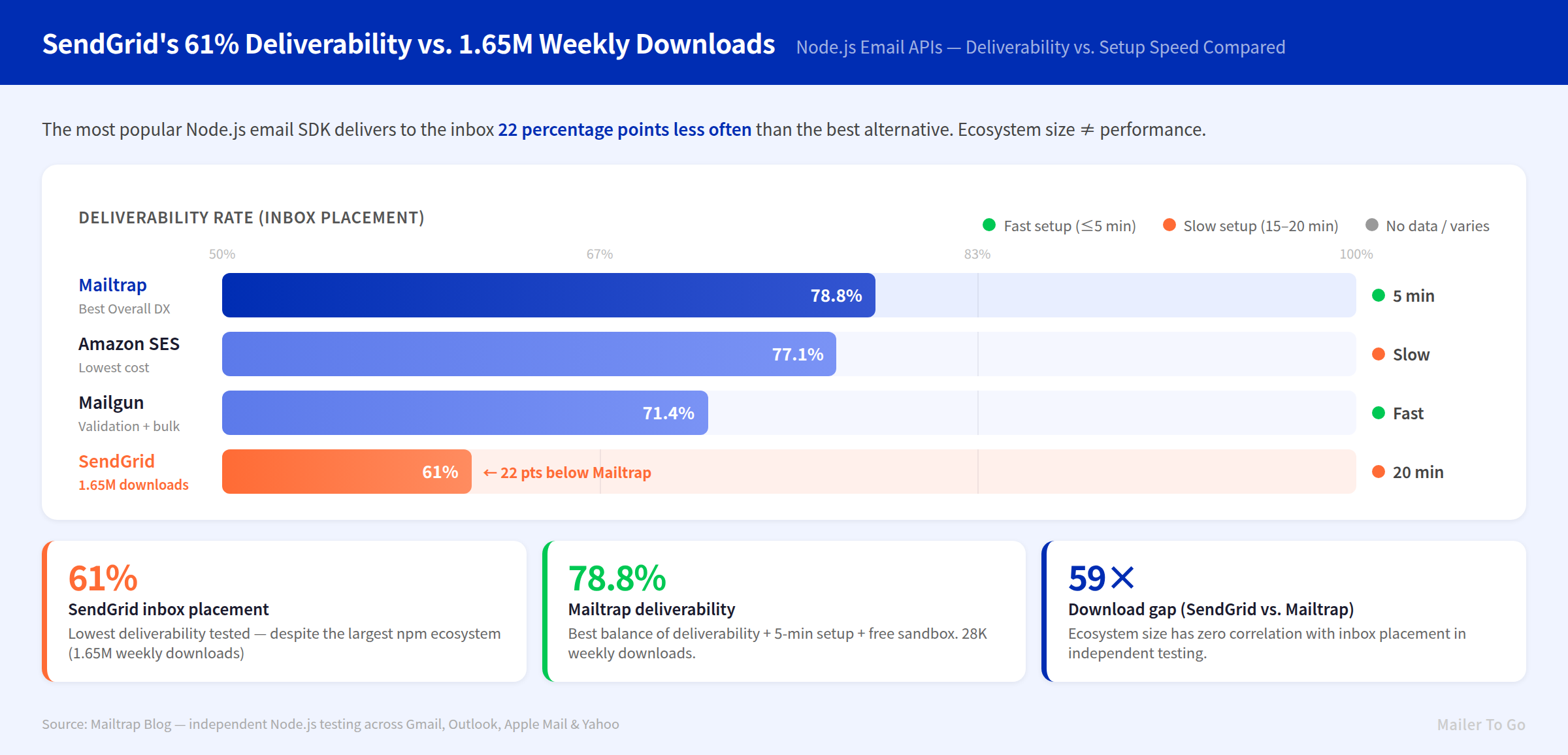
Deliverability is the single most important factor. Look for providers with dedicated IP options, automatic SPF/DKIM/DMARC setup, bounce handling, and sender reputation management. SendGrid, for example, reports a 99.5% average delivery rate and 91.3% inbox placement rate across its infrastructure.
Webhooks and Event Tracking
Real-time webhooks let you react to email events in your own system. You might trigger a follow-up when someone opens a message, flag a lead when they click a link, or suppress future sends after a bounce. Mailjet, SendGrid, and Resend all offer webhook events for delivery, opens, clicks, bounces, and spam complaints.
Idempotency and Retries
Network failures happen. Idempotency keys ensure that retrying a request does not result in duplicate emails. Resend supports idempotency keys on send requests, which is critical when you have automatic retry logic in your application:
await resend.emails.send(
  {
    from: 'Acme <onboarding@resend.dev>',
    to: ['customer@example.com'],
    subject: 'Welcome',
    html: '<p>Hello!</p>',
  },
  {
    idempotencyKey: 'welcome-user/123456789',
  }
);
Security and Compliance
Email often carries sensitive data. Check for TLS encryption in transit, SOC 2 compliance, GDPR alignment, and regional data residency options. Mailjet, for instance, offers EU-based data centers and ISO 27001 certification for European compliance requirements.
SDK and Documentation Quality
Strong SDKs reduce integration time from days to hours. Look for official libraries in your primary language—Node.js, Python, PHP, Go, Ruby, Java, and C# are common—plus clear, interactive documentation with real code samples.
Pricing Models: Volume vs Contact-Based
Email API pricing typically falls into two categories:
- Volume-based pricing: You pay for the number of emails sent per month. Mailjet uses this model, with unlimited contacts included on higher tiers. This keeps costs predictable as your list grows.
- Contact-based pricing: You pay based on the number of unique contacts in your database, regardless of how many emails you send. This can become expensive if you maintain a large list but send infrequently.
Most providers offer a free tier for testing. SendGrid provides 100 emails per day for 60 days, while Resend and Mailjet have free monthly allowances. Start with the free tier, validate your integration, then choose a paid plan based on projected monthly volume.
Email API vs Multi-Channel Messaging APIs
Email is rarely the only channel your application needs. Modern products send password resets by email, order confirmations by SMS, support messages by WhatsApp, and engagement notifications by push. Building separate integrations for each channel multiplies your engineering overhead.
This is where unified messaging APIs come in. Instead of maintaining one integration for email, another for SMS, and a third for chat platforms, you connect once to a platform that normalizes all channels behind a single REST API and standardized webhook events.
UnifyPort takes this approach for messaging channels like Telegram, WhatsApp, LINE, X (Twitter), Zalo, and TikTok. It abstracts away provider-specific SDKs and differences, providing a normalized interface for message delivery and event ingestion. For teams already managing multiple messaging integrations, this pattern—one API, one event format, one webhook control plane—can dramatically reduce integration and maintenance costs.
The same architectural logic applies to email. If your application sends transactional email plus messages across multiple chat platforms, evaluate whether a unified messaging layer can consolidate your infrastructure. For a deeper look at how multi-channel messaging fits into your CRM, see this guide on CRM messaging integration.
Common Email API Integration Challenges
Authentication and Key Management
API keys grant full access to your sending capability. Store them in environment variables or a secrets manager, rotate them regularly, and never commit them to version control. Most providers let you create multiple keys with different permissions for development, staging, and production.
Domain Verification
Sending from an unverified domain almost guarantees spam folder placement. Set up SPF, DKIM, and DMARC records before you send any production email. This process usually takes 15–30 minutes and is a one-time setup per domain.
Webhook Reliability
Webhooks are only useful if your endpoint is reliable. Implement retry logic, verify webhook signatures, and process events asynchronously so a slow handler does not block incoming callbacks. Most providers retry failed webhooks for 24–72 hours.
Rate Limits
Email APIs enforce rate limits to protect their infrastructure. Understand your provider's limits and implement client-side throttling or queueing for high-volume sends. Batch endpoints can help when sending to large recipient lists.
Email API Integration Checklist
Before you go live, work through this checklist:
- Verify your sending domain with SPF, DKIM, and DMARC
- Store API keys securely in environment variables or a secrets manager
- Implement idempotency keys for all send requests
- Set up webhook handling for bounces, complaints, and delivery events
- Add retry logic with exponential backoff for transient failures
- Monitor deliverability metrics from day one
- Test with a sandbox or free tier before production traffic
- Document your integration for future maintainers
Related reading
- CM.com Breda: History, HQ, Careers & Alternatives - Learn about CM.com's Breda headquarters, its 1999 founding as ClubMessage, key milestones, and how its messaging platform compares to unified API alternatives.
Sources and further reading
- Twilio SendGrid Email API - Integrate and deliver in minutes with our RESTful Email APIs and SMTP libraries. Start sending with our free EMAIL API today.
- Email API · Start sending today · Resend - Quickly integrate email into your application with a powerful and easy-to-use REST API.
- Free Email API Service for Developers | Mailjet - Send your emails using our Free Email API Solution. Start sending in minutes! Easy to integrate and with full, clear documentation for developers.
Frequently Asked Questions
What is the difference between an email API and SMTP?
An email API is a RESTful interface that includes authentication, templating, tracking, and event webhooks in one package. SMTP is a lower-level protocol for transferring mail between servers. APIs offer richer features and structured responses; SMTP is simpler but limited to basic sending.
How long does email API integration take?
With a modern provider and official SDK, a basic integration can be working in under an hour. Domain verification adds 15–30 minutes, and full production readiness—including webhooks, retries, and monitoring—typically takes one to two days.
Do I need a dedicated IP for email API sending?
Not initially. Shared IP pools work fine for most senders. Dedicated IPs become valuable when you send high volumes (typically 100,000+ emails per month) and want full control over your sender reputation.
Can I use an email API for marketing campaigns?
Yes. Many providers, including Mailjet and SendGrid, support both transactional and marketing email through the same API. You can manage templates, segments, and campaign analytics alongside your transactional sends.
What happens if my webhook endpoint is down?
Most providers retry failed webhooks for 24–72 hours with exponential backoff. Events are not lost unless your endpoint remains down for the entire retry window. Implement monitoring so you are alerted when webhooks start failing.
How does email API integration compare to unified messaging APIs?
An email API handles one channel. A unified messaging API like UnifyPort handles multiple messaging channels—Telegram, WhatsApp, LINE, X, Zalo, and TikTok—through a single REST API and standardized webhook events. If your application needs both email and multi-channel messaging, you may run an email API alongside a unified messaging layer rather than building separate integrations for every channel.
Conclusion
Email API integration is a solved problem for most applications. Modern providers offer REST endpoints, official SDKs, webhook events, and deliverability infrastructure that would take months to build in-house. The key decisions are choosing the right provider for your volume and compliance needs, implementing idempotency and retries correctly, and treating deliverability as an ongoing practice rather than a one-time setup.
If your messaging needs extend beyond email into chat platforms and social channels, consider whether a unified messaging API can reduce your total integration surface. For practical examples of unified API workflows, see Unipile example: real API workflows and code samples, and for a comparison of how unified messaging platforms stack up against traditional providers, check out what an SMS API is and how to choose one.